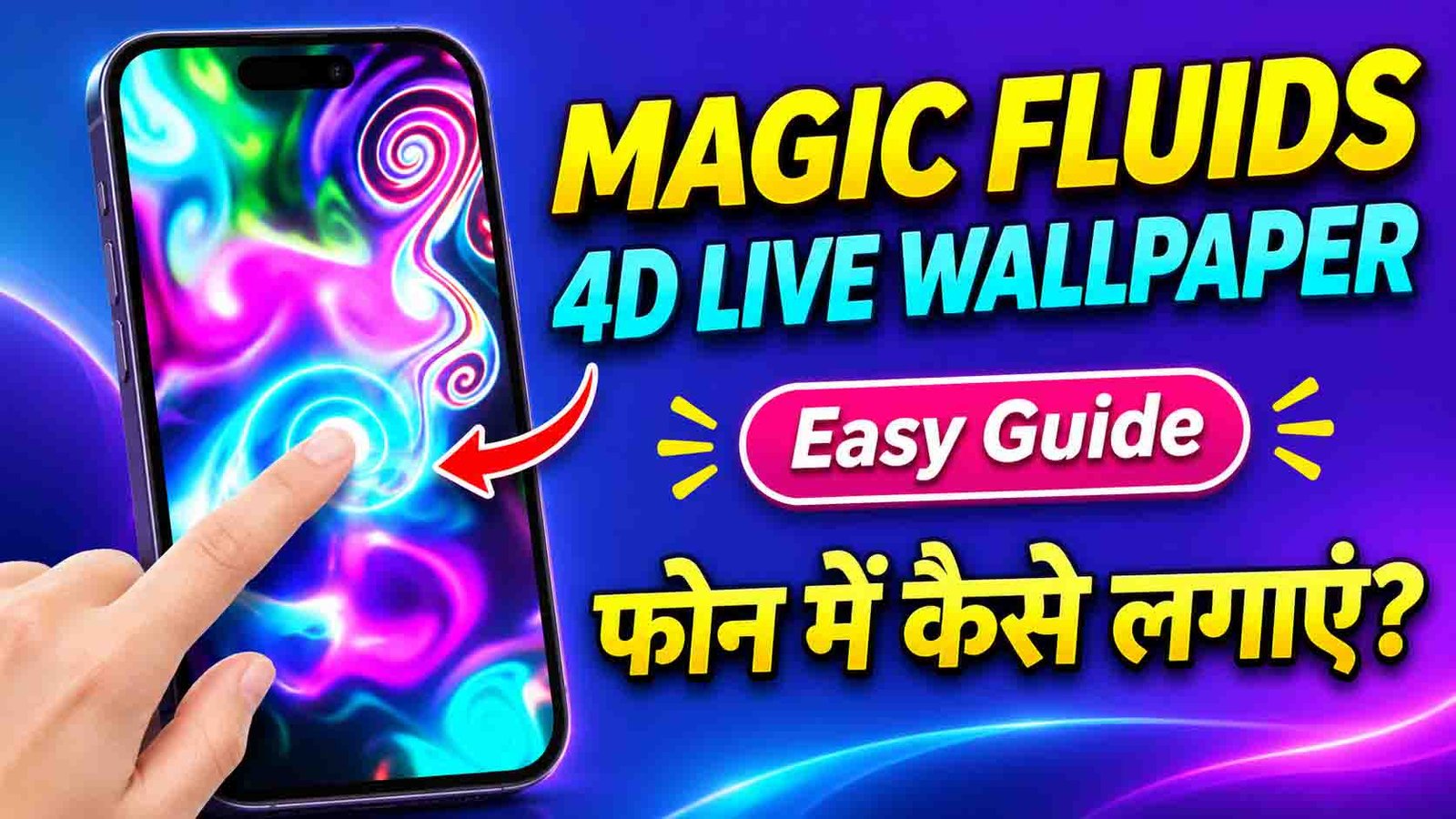
Magic Fluids 4D Live Wallpaper: Touch to Create Colorful Ripples on Your Android Screen
Does your phone’s wallpaper look the same every day? If you want something that actually moves and reacts to you, Magic Fluids 4D Live Wallpaper is worth a look. This app fills your screen with colorful, flowing liquid effects, and every touch creates new ripples and swirls. Here’s a simple guide to what the app offers and how to set it up.
What Is Magic Fluids 4D Live Wallpaper?
Magic Fluids 4D Live Wallpaper is an Android app that turns your screen into a mesmerizing fluid simulation. Colors swirl and flow like liquid, and when you touch the screen, they ripple and spread around your finger. It feels like playing with real paint or glowing smoke.
The app is available on the Google Play Store. It has a 4.2-star rating from over 6,880 reviews and more than 500,000 downloads, so plenty of people are already using it. It is free to download, but it contains ads and in-app purchases.
Key Features
Touch to Create Color Ripples
This is the main attraction. Tap, swipe, or drag your finger across the screen, and colorful waves flow around it. Every touch looks a little different, so it never gets boring.
A Large Collection of 4K Wallpapers
The app includes a big library of high-quality 4K wallpapers. They are sorted into easy categories like Trending, New, Feature, and VIP, so you can quickly find something you like.
Change Colors, Speed, and Effects
You can adjust how your wallpaper looks and behaves. Change the colors, make the fluid move faster or slower, and pick different effects until it matches your style.
Works on Your Home Screen and Lock Screen
You can set your favorite wallpaper on your home screen, your lock screen, or both. This way, your phone looks special every time you wake it up.
Smooth Touch and Move Effects
Swipe and drag your finger around the screen, and the wallpaper follows with smooth, glowing movements. Many users find it surprisingly relaxing to play with.
How to Set Up Magic Fluids 4D Live Wallpaper
Getting started only takes a minute or two.
- Open the Google Play Store on your Android phone.
- Search for “Magic Fluids 4D Live Wallpaper.”
- Tap Install and wait for the download to finish.
- Open the app and browse the wallpaper collection.
- Tap the wallpaper you like to see a preview.
- Try touching the screen to test the ripple effects.
- Adjust the colors, speed, and effects if you want to change the look.
- Tap Set as Wallpaper.
- Choose Home Screen, Lock Screen, or Both.
- Go back to your home screen and enjoy your new live wallpaper.
Who Will Like This App?
- People who love phone customization
- Anyone who wants a more modern, colorful screen
- Users who enjoy relaxing, interactive visuals
- Gamers who like bright, neon-style looks
- Content creators who want eye-catching screen recordings
Tips for the Best Experience
- Choose a dark wallpaper if you have an AMOLED screen. The colors look brighter and it can help save battery.
- Lower the effects if your phone feels slow. Older phones may run smoother with reduced speed or effects.
- Use a static wallpaper when your battery is low. Live wallpapers use more power than still images.
- Update the app regularly. New versions often fix bugs and add new wallpapers.
Will It Drain My Battery?
Like all live wallpapers, this one uses a little more battery than a regular still image, because the screen is animated. The effect is usually small on modern phones. If you notice faster battery drain, try a simpler wallpaper, lower the animation settings, or switch to a still image when your battery runs low.
Is It Safe to Use?
The app is available on the official Google Play Store, which is the safest place to download it. A few good habits will keep you protected:
- Only download it from the Google Play Store
- Read recent user reviews before installing
- Check the permissions the app asks for
- Keep the app updated
Keep in mind that the app shows ads, and some wallpapers and features may need an in-app purchase.
Common Questions
Is Magic Fluids 4D Live Wallpaper free?
Yes, you can download it for free. It contains ads, and some premium wallpapers or features may need an in-app purchase.
Does it work on the lock screen?
Yes. You can apply your chosen wallpaper to the home screen, the lock screen, or both.
Can I change the colors?
Yes. The app lets you change colors, speed, and effects to match your style.
Will it slow down my phone?
Most modern phones run it smoothly. On older phones, lower the effects settings if you notice any lag.
Does it need an internet connection?
You need the internet to download the app and new wallpapers. After that, many wallpapers should work without it, though this can vary.

Final Thoughts
Magic Fluids 4D Live Wallpaper turns a plain screen into something fun and alive. With colorful ripples that respond to your touch, a big 4K wallpaper collection, and easy customization, it is a great way to give your phone a fresh look. If you enjoy personalizing your Android phone, give it a try and see how it feels.