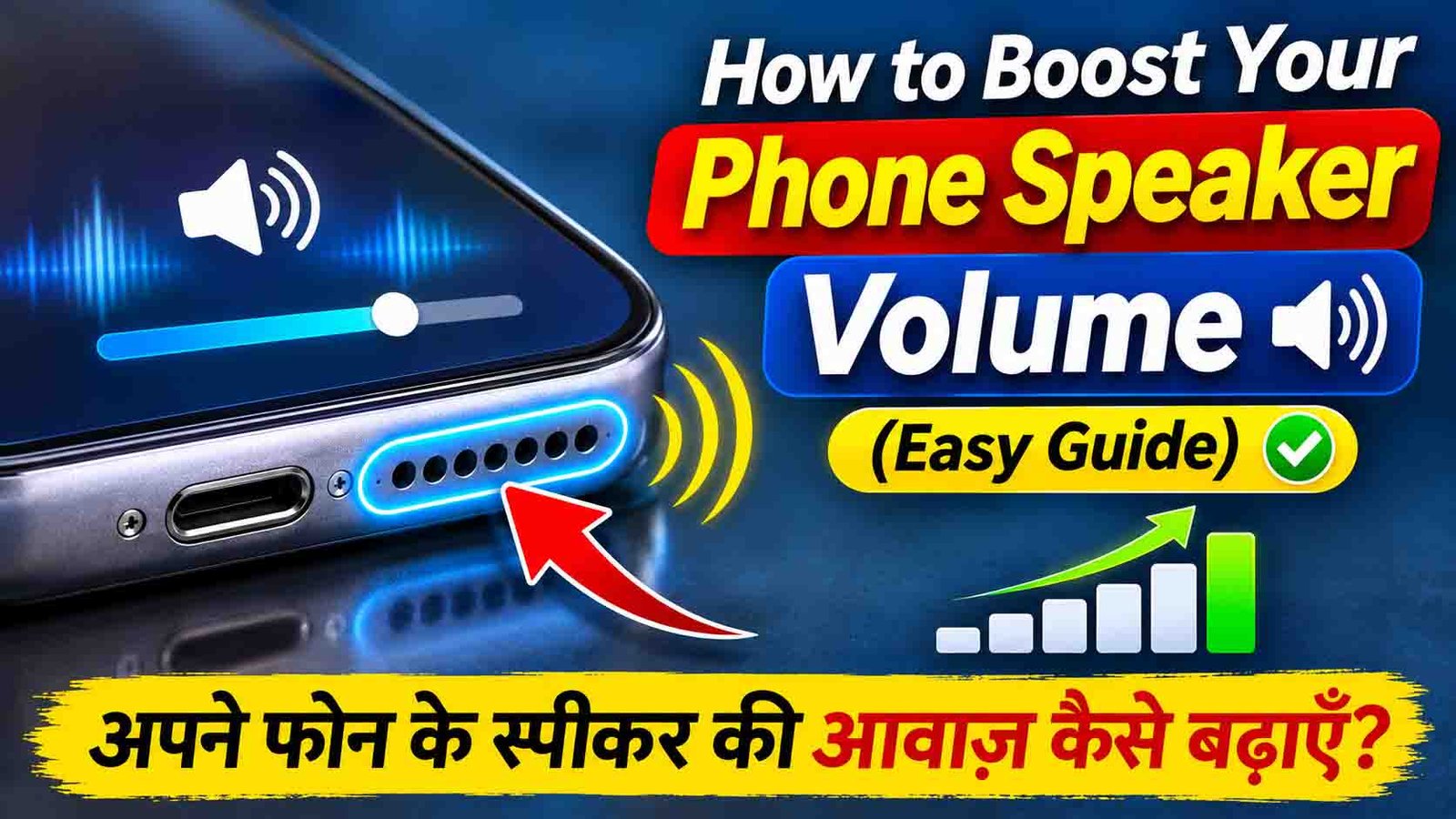
How to Boost Your Phone Speaker Volume (Easy Guide)
Phones are great for movies, music, and calls. But sometimes the speaker just isn’t loud enough, which is annoying when you’re watching a video, listening to a song, or taking a call on speaker. The good news is there are simple ways to get more volume without harming your phone. This guide shows you how.
Why Is My Phone Speaker So Quiet?
A quiet speaker usually has one of a few causes:
- A volume limit is turned on in your settings
- Dust or dirt is blocking the speaker
- A case is covering the speaker
- Your audio settings need a small adjustment
Most of these are easy to fix.
Check Your Phone’s Settings First
Start with your settings, because many phones already have built-in ways to improve sound.
Turn Off the Volume Limit
Many phones limit how loud the sound can get, to protect your hearing. Open Settings, go to Sound or Sounds and Vibration, and look for a volume limit or “reduce loud sounds” option. Turn it off or raise the limit.
Adjust the Equalizer
Some phones have an equalizer in the sound settings. Raising the bass or treble can make music sound louder and clearer.
Try Sound Quality Settings
Some phones have extra sound options, such as Dolby Atmos or sound enhancers. Turn these on and see if the audio improves.
Use a Volume Booster App
If your settings don’t help, an app can give you a little more sound.
- Equalizer FX and Volume Booster can raise sound levels
- Poweramp and VLC Media Player have built-in equalizers that make music louder while it plays
Only download these apps from the Google Play Store. This helps you avoid viruses and annoying ads.
Clean Your Phone Speaker
Dust and dirt can block the speaker and make it sound quiet. Here is how to clean it safely:
- Turn off your phone.
- Gently brush the speaker grille with a soft brush or a clean, dry toothbrush.
- Use a little compressed air to remove stubborn dust, and hold the can a short distance away.
- Never use sharp objects, because they can damage the speaker.
Check Your Phone Case
Some cases cover or block the speaker holes. Take the case off and check whether the sound gets louder. If it does, switch to a case with proper speaker cutouts. Some cases are even designed to push sound toward you.
Place Your Phone in a Better Spot
Where you put your phone changes how loud it sounds.
- Use a hard, flat surface. A table or desk helps the sound travel.
- Avoid soft surfaces. A bed or sofa soaks up sound and makes it muffled.
- Cup your hands. Place your hands around the speaker to direct the sound toward you.
Connect to an External Speaker
If you want a big jump in volume, connect your phone to another speaker.
- Bluetooth speaker: Wireless, portable, and easy to use anywhere
- AUX cable speaker: A steady, strong sound for home use
This is the best choice for parties, movies, and music at full volume.
Update Your Phone’s Software
Software updates often fix audio problems and improve sound performance. Go to Settings, tap Software Update, and install any updates waiting for you. Also update your apps, since an old app can sometimes cause sound problems.
Don’t Push the Speaker Too Hard
Louder isn’t always better. Playing sound at maximum volume for a long time can damage your speaker and make the sound crackly. Try to listen at a moderate volume, and use an external speaker if you need more power.
Common Questions
Why did my phone suddenly get quiet?
Dirt in the speaker, a volume limit, or a case blocking the sound are the usual causes. Clean the speaker and check your settings first.
Are volume booster apps safe?
Yes, if you download them from the Google Play Store and read the reviews first. Avoid apps that ask for permissions they don’t need.
Can I damage my speaker by boosting the volume?
Yes. Pushing the volume too high for too long can hurt the speaker. Use boosters in moderation.
What if nothing works?
Your speaker may be damaged. In that case, visit a repair shop and have it checked.

Final Thoughts
You don’t need to buy a new phone to get better sound. Check your settings, clean the speaker, move your phone to a better spot, and try a trusted app if you need more power. For the biggest boost, connect to an external speaker. Try these tips one by one and see which one works best for you.