How to Set Up Voice Screen Lock on Your Android Phone
Security matters more than ever today. You want to protect your private data, your photos, and your personal information from other people’s eyes. Voice screen lock is one feature that many people now use. It lets you unlock your phone just by speaking.
What Is Voice Screen Lock?
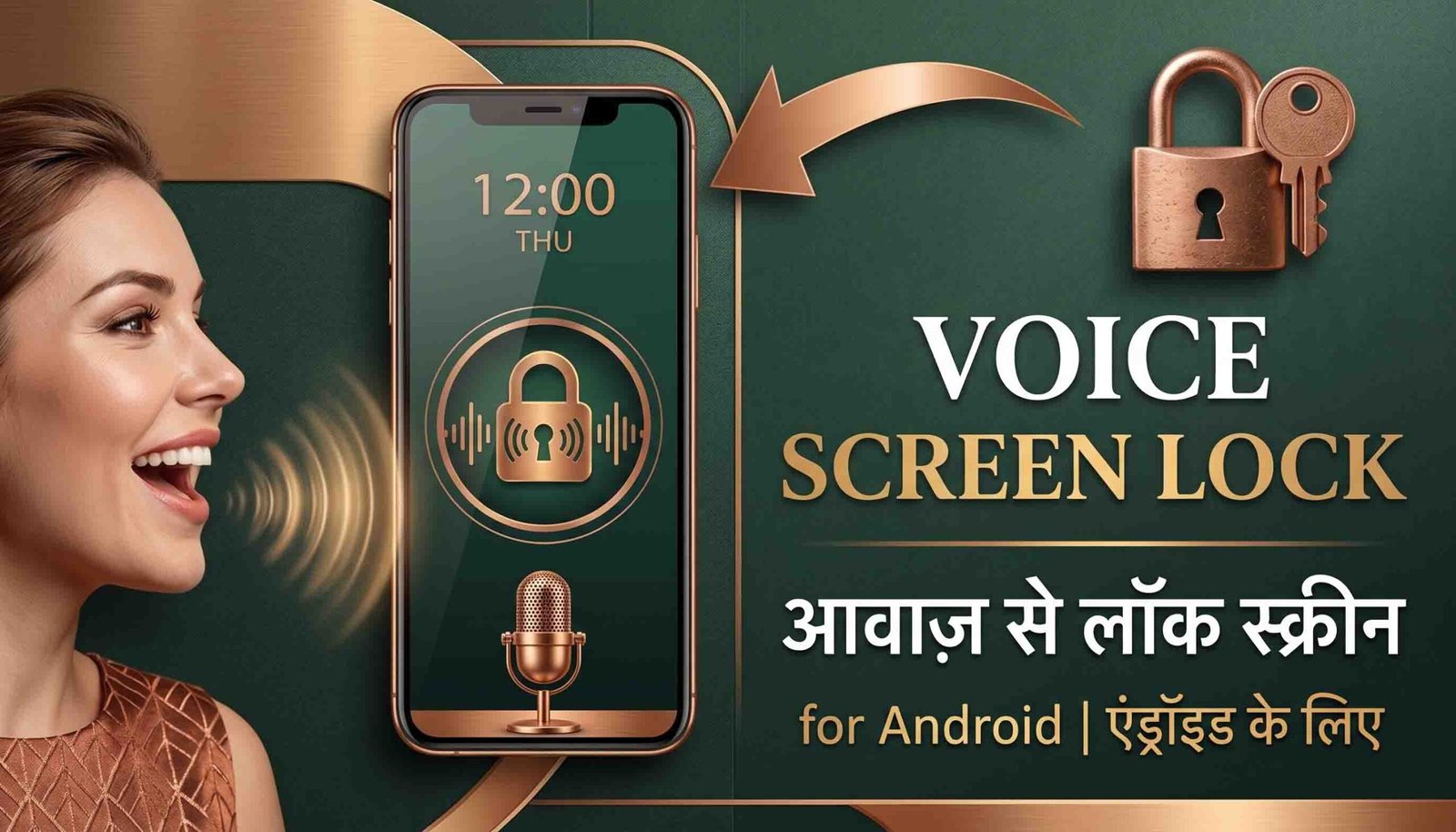
Voice screen lock is a security feature that uses your voice to unlock your phone. Instead of typing a PIN or drawing a pattern, you simply speak a phrase, and your phone recognizes your voice. The system checks your voice and unlocks the phone if it matches. This feature gives you a hands-free way to access your phone, and it adds a personal touch to your security setup.
How Does Voice Screen Lock Work?
Your phone creates a voiceprint, similar to how it stores your fingerprint. When you first set up the feature, you speak a chosen phrase like “Hey Google” or “Unlock my phone.” The phone records details about your voice, including your pitch, tone, and speech pattern. Every time you say that same phrase again, the phone compares it to your saved voiceprint. If the two match, your phone unlocks.
How to Set Up Voice Screen Lock
Use Your Phone’s Built-In Feature
Many newer Android phones include voice recognition inside their security settings. Open Settings, then go to Biometrics and Security or Security. Look for an option like Voice Match, Trusted Voice, or Voice Unlock. Select it, then follow the on-screen steps to record your voice and finish setup.
Use a Third-Party App
If your phone doesn’t include this feature, don’t worry. You can still add voice lock using apps from the Google Play Store. Apps like Voice Lock Screen give you the same function. Download the app, then follow its instructions to record your voice and activate the lock screen.
Benefits of Voice Screen Lock
Voice lock gives you a hands-free way to unlock your phone, which helps when your hands are full or busy. It also adds a strong layer of security, since your voice carries unique traits that are hard for someone else to copy. Because the system responds only to you, it feels more personal than a shared PIN or pattern.
Drawbacks of Voice Screen Lock
Voice lock isn’t perfect. Someone with a very similar voice could occasionally trick the system, even though modern phones handle this better than older models did. Background noise or changes in your voice, like when you’re sick or tired, can also affect how well the phone recognizes you. On top of that, not every Android phone offers this feature by default, so you might need a third-party app, which can carry its own security risks.

Final Thoughts
Voice screen lock gives you a convenient and personal way to secure your Android phone. It works well for hands-free access, but it does come with a few limits you should keep in mind. Whether you use your phone’s built-in option or a third-party app, always keep your software updated and pair voice lock with another security method for the best protection.