Batix – Charging Photo: Best Android Charging Animation with Custom Photo
Your phone says a lot about your personal style, right down to small details like the charging screen. Most Android phones only show a plain battery icon when you plug in, but that doesn’t have to be the case anymore. Batix – Charging Photo is an app built specifically to turn that boring moment into something personal and stylish, using your own photos, animated effects, and 4K themes.
What Is Batix – Charging Photo?
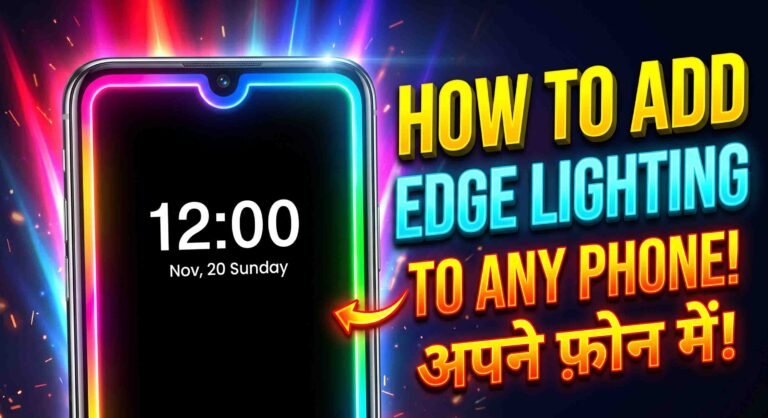
Batix – Charging Photo is a personalization app for Android that replaces your regular charging screen with a custom animation. What makes it stand out is the ability to use your own pictures as part of that animation. On top of personal photos, the app also includes 4K charging themes, neon-style effects, and animated battery designs to give your phone a more modern look.
Why Try Batix – Charging Photo?
A default charging screen usually just shows a simple icon and a percentage. Batix changes that by letting you see your own photos, live animations, and stylish designs every time you plug in your phone. Some of the biggest reasons people use this app include:
- Setting your own photos as the charging screen
- HD and 4K animation quality
- Neon-style charging effects
- A live battery status display
- A simple, easy-to-use interface
- A variety of premium theme designs
- An overall more stylish charging experience
Key Features
Custom Photo Charging Screen
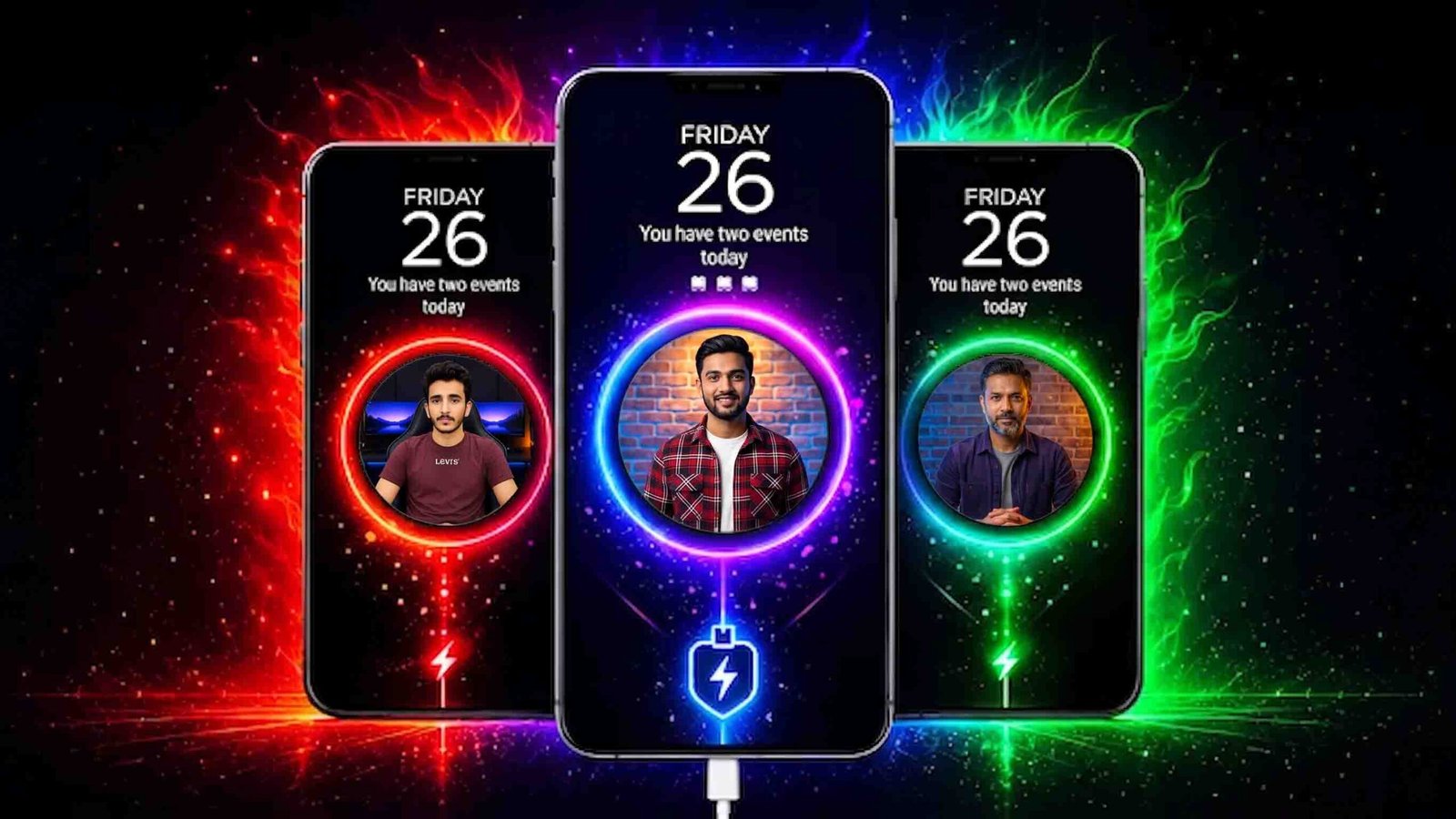
This is the app’s most popular feature. You can pick any photo from your gallery, like a selfie, a family picture, a photo of someone close to you, or even your pet, and set it as your charging animation. Every time you plug in, that photo appears with a smooth animated effect.
High-Quality 4K Themes
Batix includes a wide range of 4K charging themes for a premium, polished look. This works especially well on AMOLED displays, where the extra detail and contrast really stand out. Popular theme categories include neon, cyber, RGB, tech-inspired, luxury, and abstract animation styles.
Battery Charging Animations
The app comes with several built-in animation styles that play automatically whenever your phone starts charging, making the whole experience feel more dynamic.
Live Battery Information
While your phone charges, you can view details like battery percentage, charging status, battery health, charging speed, and an estimated time to full charge, all directly on the charging screen. No need to open a separate settings menu to check.
Simple Setup
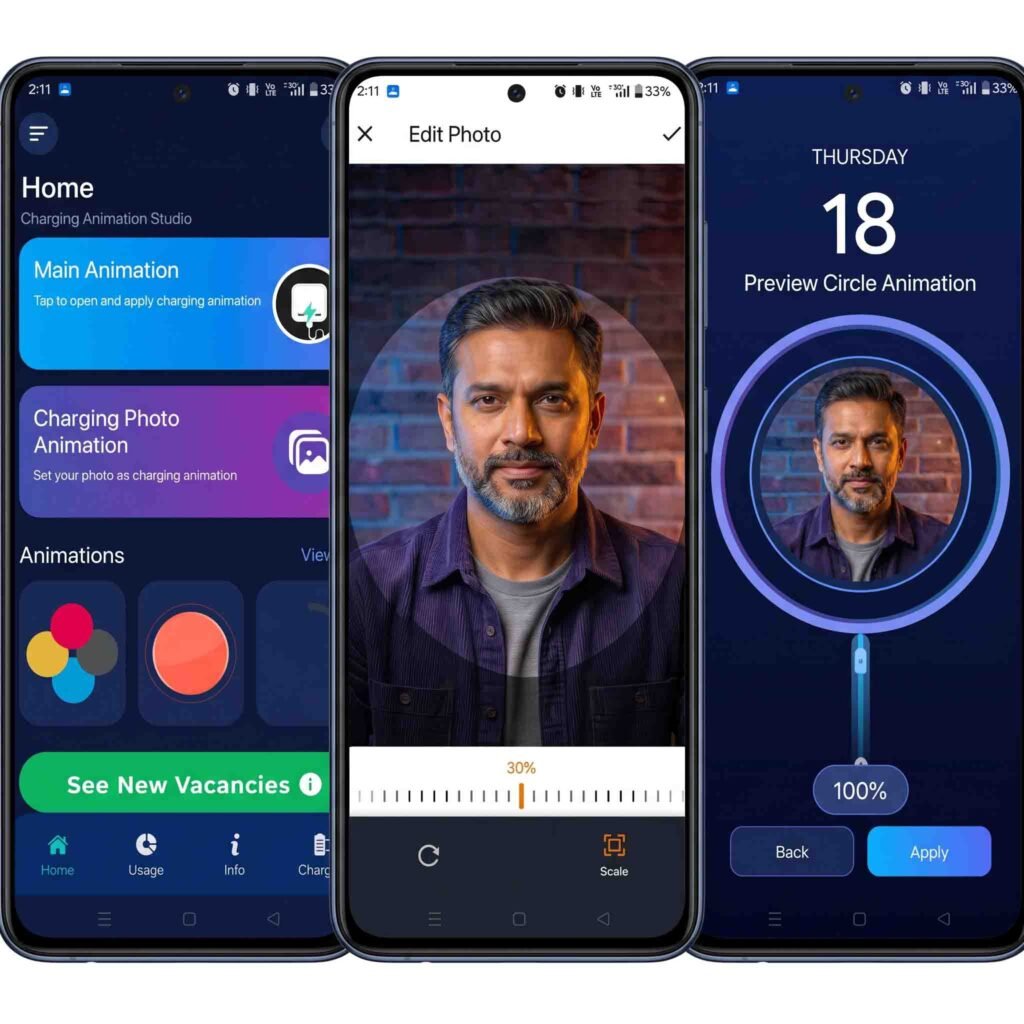
Getting everything set up is quick, even for first-time users. Just open the app, pick a theme, choose your photo, apply the animation, and turn on the charging screen. That’s the whole process.
Modern Neon Effects
Neon-style designs remain a popular trend, and Batix offers several neon charging animations that give your phone a sleek, modern feel. This is especially appealing if you use a gaming phone.
Smooth Performance
Some charging animation apps end up slowing your phone down because they use too much RAM. Batix is built to be lightweight, so it runs smoothly without draining extra resources.
Benefits of Using Batix
Batix helps your phone stand out with a setup that’s completely your own. Using personal photos adds a more meaningful, individual touch, while the 4K themes and neon animations give it a premium feel. The interface stays simple and easy to navigate, and the app regularly adds new themes to keep things fresh.
How to Install Batix – Charging Photo
- Open the Google Play Store.
- Search for “Batix – Charging Photo.”
- Tap Install.
- Open the app once installation finishes.
- Set up your preferred charging screen using your own photo and theme.
Who Is This App For?
Batix works well for anyone who enjoys customizing their Android phone, people who want to personalize their device with their own photos, gamers who like neon and RGB-style effects, and anyone who enjoys showing off a unique phone setup to friends or on social media.
A Quick Note on Safety
It’s always smart to think about safety before installing any customization app. Batix generally only requests the permissions it needs to display your charging screen, but it’s still good practice to check the developer information and user reviews on the Play Store before downloading any app.

Final Thoughts
If you want your Android phone’s charging screen to feel more personal and visually appealing, Batix – Charging Photo is worth trying. Between custom photo support, 4K themes, neon effects, and a live battery display, it turns a routine moment into something that actually reflects your style. If you’re looking for a fresh way to customize your phone, give Batix a try today.