Best Glowing Keyboard Apps for Android 2026 — Free Download
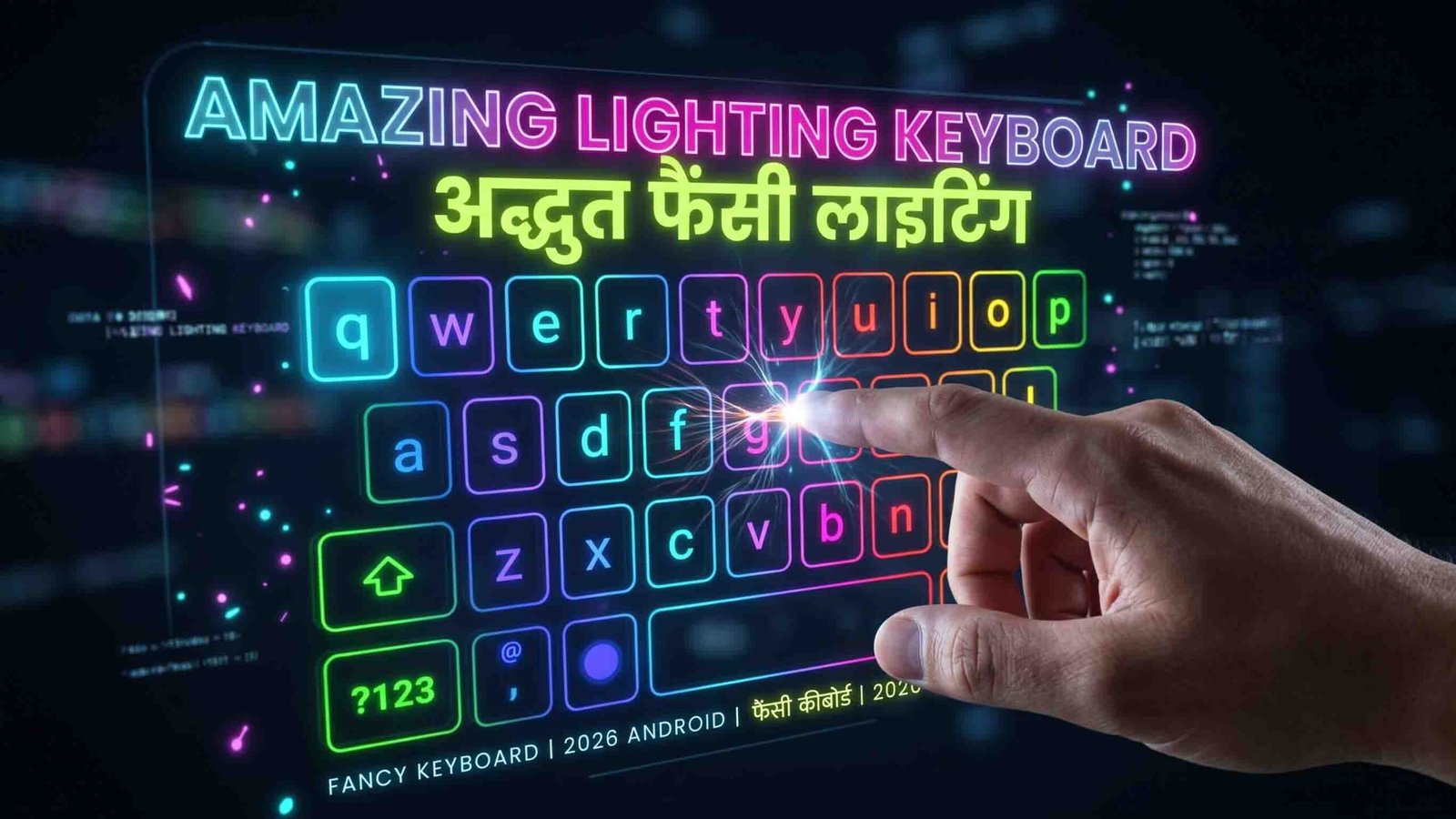
Want your keyboard to glow, pulse, or light up every time you type? Whether you’re chatting with friends, gaming, or just posting on social media, a lighting keyboard adds a fun, eye-catching touch to something you do dozens of times a day. In 2026, there are plenty of great options with neon and RGB effects, custom themes, and huge emoji libraries. Here’s a look at the best ones, along with tips on choosing and installing them safely.
Why Try a Lighting Keyboard?
A lighting keyboard isn’t just about looks, though that’s a big part of the appeal. These apps also come with bigger emoji libraries, GIFs, and sticker packs that make chatting more expressive. The RGB and neon effects can give your phone a more gaming-inspired or creative feel, especially if you already enjoy customizing the rest of your device.
Top Picks for 2026
Neon LED Keyboard — Best for Instant RGB Effects
This app gives you vibrant LED and RGB lighting with minimal setup. It comes packed with neon themes and a large emoji and sticker collection, so you get a polished neon look right out of the box.
Good to know: It’s free and easy to enable, though some users have mentioned in-app ads, so it’s worth checking the permissions before installing.
Fancy Key Best for Deep Customization
If you want full control over how your keyboard looks, FancyKey is built for that. It includes a theme editor where you can use your own photos, along with a wide range of fonts, typing sounds, and animated effects.
Good to know: Some features sit behind a paywall. Stick to the official Play Store listing first, since older copies floating around elsewhere aren’t always trustworthy.
Rainbow Key Best for Cute, Colorful Themes
Rainbow Key focuses on playful, colorful designs, GIFs, and sticker packs. It’s a solid pick if you want something fun and light-hearted rather than a full gaming aesthetic.
Good to know: The app gets regular updates, but older versions sometimes appear on third-party sites. Downloading from the Play Store is the safest route.
LED Keyboard (Colorful RGB) — Best Lightweight Option
This one keeps things simple with a focus purely on RGB lighting and neon effects. It’s small in size and runs smoothly even on older phones.
Good to know: It has a narrower feature set compared to the others, with fewer fonts and no AI tools, but that trade-off is exactly why it’s so light.
2026 Keyboard — Best for AI Features Plus Visuals
This newer app combines AI-powered typing suggestions with modern, flashy themes. It’s a good pick if you want smart predictions alongside visual flair.
Good to know: Since it’s a newer release, it’s worth reading through its privacy policy and recent reviews before turning on any cloud-based features.
How to Choose the Right Lighting Keyboard
Check Where You’re Downloading From
Stick with the Google Play Store whenever possible. If you need to use an APK site because the app isn’t available in your region, choose a reputable one and double-check the uploader’s reputation first.
Review the Permissions
A keyboard app needs “full access to input” to work properly. Be cautious of any keyboard asking for permissions that don’t make sense, like your camera or contacts, unless that’s tied to a specific feature you actually want.
Think About Privacy
Look for a clear privacy policy that states whether the app collects what you type. If you plan to type anything sensitive, it’s worth being extra careful about which keyboard you trust with that.
Consider Your Phone’s Performance
Flashy animations can use more battery and processing power. If you have an older phone, a lighter RGB-focused keyboard will likely run more smoothly than a feature-heavy one.
Decide on Ads vs. Paid Themes
Most free lighting keyboards either show ads or offer premium themes as paid add-ons. Decide ahead of time which trade-off works better for you.
How to Install a Lighting Keyboard Safely
- Open the Google Play Store and search for the exact app name.
- Install it directly from there whenever it’s available in your region.
- If you need to use an APK site instead, stick to well-known, trusted ones and verify the file before installing.
- Once installed, go to Settings, then System, then Languages & Input, and select your new keyboard as the default.
- Check the app’s permissions under Settings, then Apps, then the app name, then Permissions, to make sure nothing unusual is being requested.
Quick Comparison
| App | Standout Feature | Best For |
|---|---|---|
| Neon LED Keyboard | Instant RGB and neon themes | A quick neon look with little setup |
| FancyKey | Theme and photo editor, fonts | Creators who want a custom design |
| RainbowKey | Cute themes and stickers | Fun, playful typing |
| LED Keyboard | Lightweight RGB focus | Older or lower-end phones |
| 2026 Keyboard | AI suggestions plus themes | Productivity with visual style |
Common Questions
Are lighting keyboards safe to use for passwords?
Most are fine for everyday typing, but it’s best to avoid entering sensitive information like banking passwords unless the app clearly states it doesn’t collect what you type, and it comes from a trusted developer.
Do these keyboards need internet access?
Some features, like online emoji packs or AI suggestions, may need an internet connection. You can usually turn off these online features in the app’s settings if you’d rather keep things offline.
Is a free download always safe?
Free apps are generally fine, but it’s smart to stick to the Play Store or well-known app sources, check the permissions, and read a few reviews before installing anything.

Final Thoughts
If you just want a quick neon look with little effort, Neon LED Keyboard is a solid starting point. For something more customizable, FancyKey gives you the most creative control. RainbowKey suits anyone who wants a playful, colorful feel, while LED Keyboard is a great pick for older devices. And if you’re interested in AI-assisted typing along with visual style, 2026 Keyboard is worth exploring, just read through its privacy policy first.